AI in UI/UX Design: How Intelligent Tools Are Reshaping the Design Process
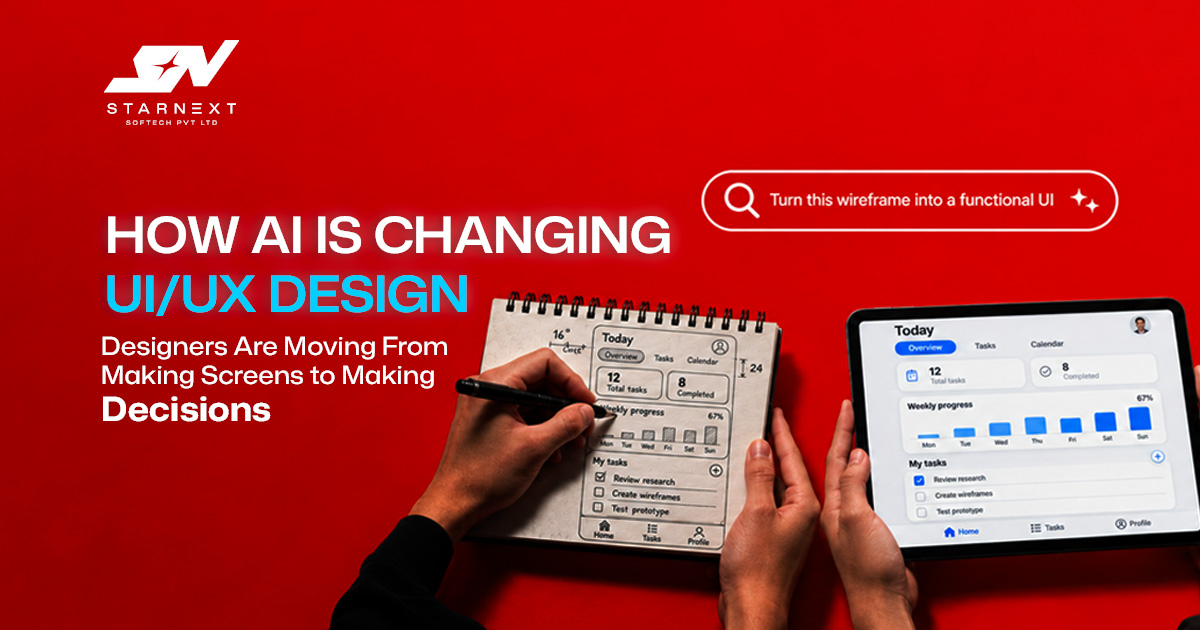
A designer once spent the day of a project creating wireframes. Today that same designer can generate layout directions, draft onboarding copy, summarize interview notes and turn a prompt into an interactive prototype before lunch.
That speed changes the work. It does not remove the need for design thinking. AI in UI UX Design is most valuable when AI in UI UX Design removes production work and gives designers more time to understand users, test assumptions and make better product decisions. The shift is not simply "AI in UI UX Design creates designs." AI in UI UX Design is that designers now spend time starting from a blank canvas and more time judging what deserves to exist.
Why AI-Powered UI UX Design Changes the Designer’s Role
Traditional UI/UX work has always involved a mix of research, strategy, visual design, prototyping, testing and stakeholder communication. AI affects each stage differently. In the stages AI in UI UX Design can help designers organize research, identify recurring feedback themes and explore alternative user flows. Later AI in UI UX Design can generate wireframes, UI variations, microcopy and interactive prototypes.
Figma describes this workflow as using prompts to define screens, states and behaviors then refining the result within the design environment. The important change is where a designer’s value sits. Producing a screen is becoming easier; deciding whether that screen solves the right problem is not.
From Execution to Direction
AI in UI UX Design can produce a checkout flow, dashboard layout or mobile onboarding sequence quickly. UI UX Designdoes not know that a user abandoned the last checkout because shipping costs appeared too late or that a sales team needs a dashboard built around weekly decisions rather than raw data.
That is why AI-powered UI/UX design should begin with a clear problem statement:
- Who is the user?
- What outcome are they trying to achieve?
- What evidence suggests this is a problem?
- What constraints affect the solution?
- How will success be measured?
Without those answers AI in UI UX Design produces options rather than useful solutions.
Where AI UI/UX Design Tools Fit Into the Workflow
The best approach is not to adopt one "AI design tool" and expect it to solve everything. Different tools support stages of the process.
| DESIGN STAGE | WHAT AI CAN DO | WHAT STILL REQUIRES A DESIGNER |
|---|---|---|
| User research | Transcribe interviews, cluster feedback summarize themes and surface patterns | Validate insights understand context identify contradictions and decide what matters |
| Ideation | Generate user-flow alternatives, feature ideas and problem framings | Judge feasibility, business value and user impact |
| Wireframing | Create early layouts and information structures | Adapt structure to real content edge cases and product logic |
| UI design | Produce visual variations fill placeholder content and speed up asset work | Maintain brand, hierarchy, accessibility and design-system consistency |
| Prototyping | Build interactive flows and test logic before development | Define realistic scenarios and interpret test results |
| UX writing | Draft button labels, empty states, error messages and onboarding copy | Ensure tone, clarity, legal accuracy and product consistency |
Figma Make, for example lets designers create flows, layouts and interactions with prompts and also prototype and refine the experience all in one place. This is helpful for exploration but does not replace research or product strategy.
Artificial Intelligence in UX Design Research: Faster Insight, Not Instant Truth
Research is where AI can create practical gain. Interview recordings, usability‑session notes, survey responses and support tickets often contain patterns but reviewing them manually takes time. AI can help designers group comments identify repeated pain points and prepare a first version of research findings. A designer reviewing 40 customer interviews might use AI to cluster mentions of " pricing," "slow loading," or "unclear next steps " then examine the underlying evidence before drawing conclusions. That last step matters.
AI can identify that many users mention pricing. AI cannot reliably explain why they find pricing confusing whether the issue is trust, billing terms, hidden fees or a comparison‑page problem. Human review remains essential because research synthesis can flatten nuance when treated as a conclusion.
A Practical Research Workflow
- Collect evidence from interviews, usability tests, analytics, support tickets and sales conversations.
- Use AI to organize the material through themes, summaries and recurring observations.
- Challenge the output by checking quotes, context and contradictions.
- Turn validated findings into design decisions, such as simplifying a form changing information hierarchy or revising onboarding.
- Test the change with users not with internal opinions.
AI should support the evidence not replace it.
Generative UI: Useful Drafts, Not Finished Products
Generative UI is one of the visible examples of AI UI UX Design Tools in action. Designers can describe a screen. Receive a starting layout complete with suggested components copy and visual structure.
This is useful for momentum. A product team building a fitness app for instance could quickly generate several onboarding concepts: one focused on goals, another on progress tracking and another on social accountability. Those drafts give stakeholders something to react to.
Generated screens often reflect common patterns. They may look credible while missing the product’s constraints such as a complex booking flow, regional payment requirements, accessibility needs or a design system with strict component rules. A strong rule is simple: use AI to explore directions then use design judgment to choose, adapt and validate.
What to Check Before Accepting an AI-Generated Screen
- Does the layout support the user’s task?
- Are important actions visible without unnecessary scrolling or guessing?
- Does the flow handle states, errors, loading and exceptions?
- Does it work with real content, not only ideal placeholder text?
- Can users with abilities navigate it?
- Does it fit the existing design system and brand experience?
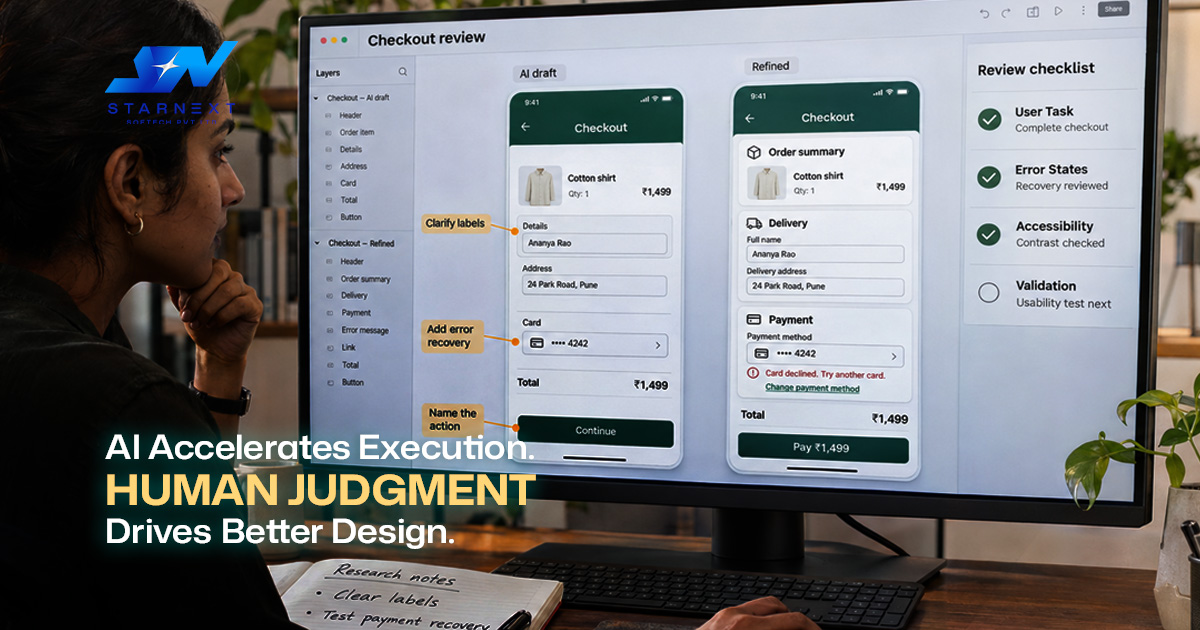
A generated e-commerce checkout screen may look polished. It becomes valuable only after the team confirms that users can understand delivery options, edit quantities, recover from errors and complete payment without confusion.
Accessibility Is Becoming a Design Advantage
AI-generated interfaces can look impressive while still failing usability standards. Low‑contrast text, button labels, inconsistent navigation and visual‑only information can create barriers for disabled users. They can also create problems for AI agents. Nielsen Norman Group notes that AI agents increasingly interact with interfaces alongside humans and that accessible design semantic HTML clear labels, predictable patterns and logical hierarchy also helps AI agents interpret and use interfaces.
This gives accessibility a business case. A form with field labels helps a screen‑reader user. It also helps an AI agent complete a task on a user’s behalf. A clear "Add to cart" button helps everyone; an icon‑only button with no name creates uncertainty for both people and machines.
Accessibility Practices Worth Prioritizing
- Use labels instead of relying on icons alone.
- Maintain a logical heading and content hierarchy.
- Avoid calls to action such, as "click here.”
- Ensure color is not the only way to communicate meaning.
- Test keyboard navigation, focus states and screen‑reader behavior.
- Design predictable form. Error patterns.
These are not principles. What has changed is that these principles now support both usability and machine readability.
The Future of UI UX Design: Designing for People and AI Agents
The Future of UI UX Design will not be purely visual. As AI agents begin completing tasks such as comparing products, booking appointments, filling forms or checking order status, designers must consider a type of user: the agent acting for a human.
Nielsen Norman Group argues that an AI agent is functionally a user because an AI agent has a goal, encounters an interface and attempts to complete a task through it. That does not mean every product should become fully agent‑accessible. Banks, healthcare platforms and other regulated services may need deliberate friction, authentication and human confirmation for safety and compliance reasons.
For product teams the practical question is: which user tasks can safely be delegated and which require the human to stay in control? A travel site might allow an agent to compare flights and prepare options. Require the user to confirm payment. A healthcare portal may allow appointment reminders. Restrict access to sensitive medical records. The design decision should follow user trust, risk, regulation and business value not novelty.
Common Mistakes When Using AI in UI UX Design
AI does not usually fail because AI generates screens. Problems arise when teams mistake speed for progress.
- Generating many options without evaluation: More screens do not equal better decisions. Define evaluation criteria before generating alternatives.
- Treating AI output as neutral: Generated layouts reflect patterns and may reinforce generic solutions rather than product‑specific solutions.
- Skipping research: AI can invent plausible personas and flows but those outputs are not evidence.
- Ignoring edge cases: A prototype may work perfectly in the path and fail when a payment is declined an address cannot be verified or a user has no saved data.
- Letting tools fragment the workflow: If research insights, wireframes, prototypes and documentation live in places decisions become harder to trace.
- Using data carelessly: Customer interviews, internal metrics and proprietary product information should not be pasted into tools without clear data‑governance rules.
A Practical AI-First Design Process
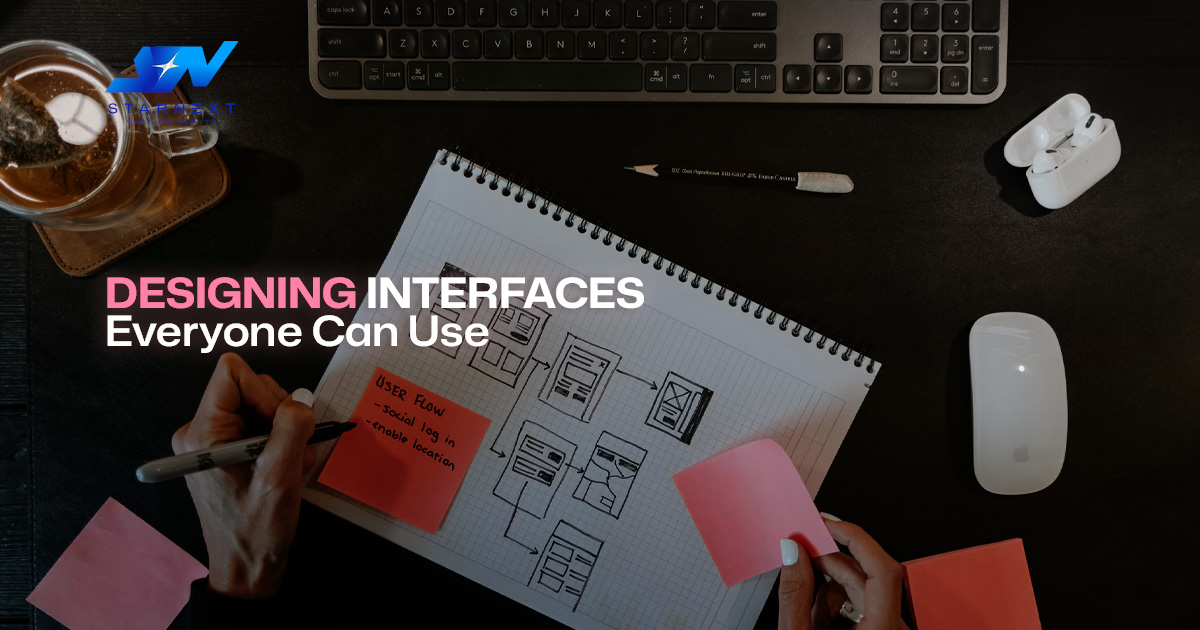
A useful way to adopt AI is to keep the process human‑led and use AI at specific points where AI removes friction.
- Define the problem and success measure. Start with user evidence, business goals and constraints.
- Use AI to explore. Generate flows, research summaries copy variations and early wireframes.
- Apply design judgment. Remove options, adapt the strongest direction and align it with the design system.
- Prototype with content. Include data, error states and edge cases wherever possible.
- Test with users. Watch what people do, not what they say.
- Document the reasoning. Record what was tested and why.
- Iterate based on evidence. Treat AI output as a draft, not a decision.
This approach keeps AI in UI/UX design without letting it dilute the quality of design thinking.
Final Thoughts
AI in UI UX design is changing the profession by making production exploration cheaper and iteration more immediate. The designers who benefit most will not be the ones generating the most screens. They will be the ones who can ask questions, interpret real user evidence, protect accessibility and explain why a design decision is right, for a specific product and audience. AI gives teams starting points; strong design judgment determines which starting point becomes a product people can actually use.